Screen Capture: Real Time Screen Capture
To capture the snapshot of a computer, Select the target computer from The Whole Network tree and then Click: Show à Screen. (see Figure 1)
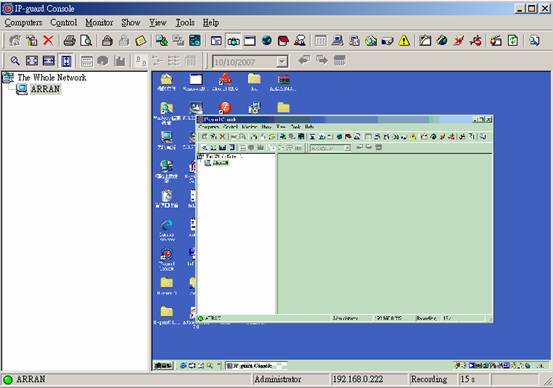
Figure 1.
By using the Trace function (see Figure 2), the snapshot will update periodically and display the updated screen
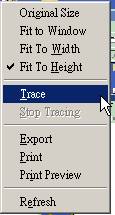
Figure 2
IP-guard V3
Ø To capture the snapshot of a computer, Select the target computer from The Whole Network tree and then Click: Monitoring à Screen Snapshot. (Figure 3)
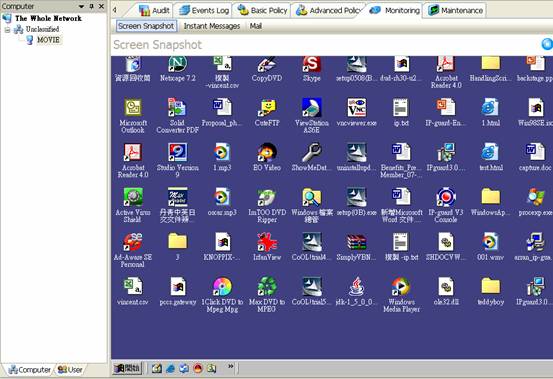
Figure 3
Ø By using the Track function (see Figure 7), the snapshot will update periodically and display the updated screen.
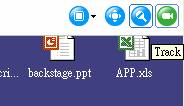
Figure 4